A morning coffee. A shared table. A gift worth coming in for.

For cafés, bakeries, bars, cellar doors and restaurants: give buyers a way to treat someone without choosing the day or the order. VoucherGrid sells the voucher and records its use when your team accepts it.
  • Voucher credit for the counter, bar or table
  • 30-day Premium trial
  • No card required
  • Cancel anytime
  • No VoucherGrid commission on voucher sales
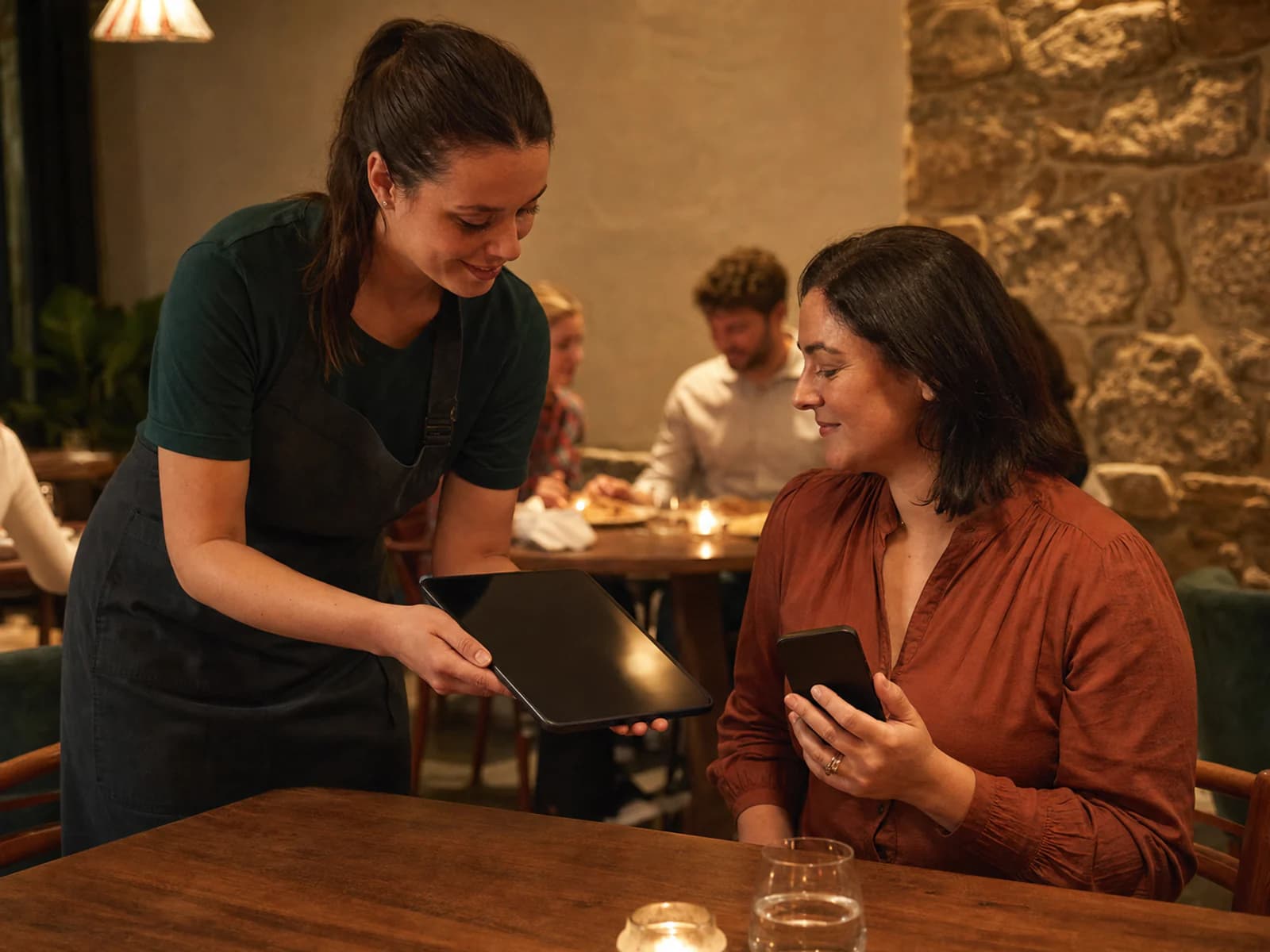
Restaurant staff member and guest using a tablet and phone at the table

VoucherGrid records voucher activity and applies the rules you configure. Voucher classification, exceptions and final tax treatment stay with you and your accountant.

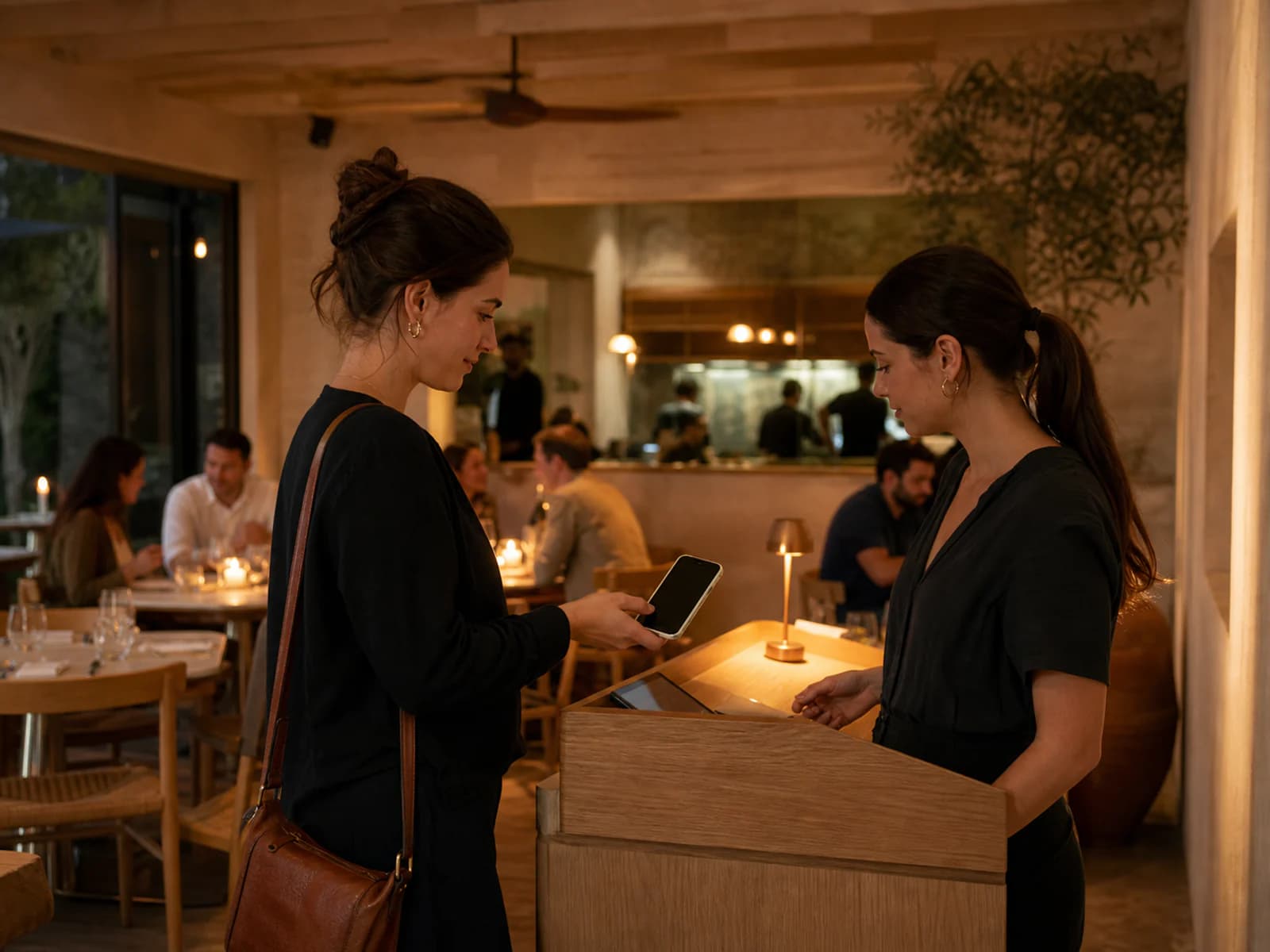
Restaurant guest presenting a digital voucher on a phone at the host stand before dinner

The buyer gives a treat. The recipient chooses the occasion.

Illustrative journey: a colleague buys a $100 café voucher as a thank-you. The recipient uses $42 on brunch; staff record $42 in VoucherGrid and leave $58 for another visit.

  • Take the gift order outside service hours

    On Premium and Professional, a hosted storefront gives the buyer an online purchase path while your team prepares for breakfast or closes the bar.

  • A bakery credit or a named tasting

    Offer a dollar credit as a face value voucher, or a defined experience as a non-face value voucher. Confirm the classification and terms with your adviser.

  • Redeem where the bill is settled

    Check the voucher and confirm the redeemed amount in VoucherGrid at the counter or table. Your team records payment in the till separately; closing a bill does not redeem the voucher automatically.

  • Keep the unspent amount visible

    For a dollar credit, redeem only the amount used. A $100 voucher with $42 redeemed has $58 remaining, without a note for the next shift.

  • Choose artwork for the kind of treat

    Food and drink artwork can suit a café, cellar door or dining room. Premium and Professional let buyers choose from up to three designs for the voucher.

  • Separate voucher activity from daily takings

    Retain the sale and redemption records for review alongside till totals. VoucherGrid keeps voucher activity separate from the till; your accountant handles accounting entries and reconciliation.

A shift change should not lose the remaining credit.

A well-kept voucher register may be enough for a small range. Trouble starts when the morning team writes part-spends in the diary and the evening team checks a different sheet.

Before

  • A brunch redemption is written in the shift diary but never reaches the voucher spreadsheet.
  • The cellar-door gift buyer waits for an invoice while staff serve a tasting.
  • A restaurant reservation is mistaken for proof that the voucher has been used.
With VoucherGrid

  • Staff confirm each voucher redemption against its current record.
  • Premium and Professional provide a hosted voucher checkout and digital delivery.
  • The reservation stays in your booking process; the voucher records show when value was redeemed.

From a small thank-you to a meal together.

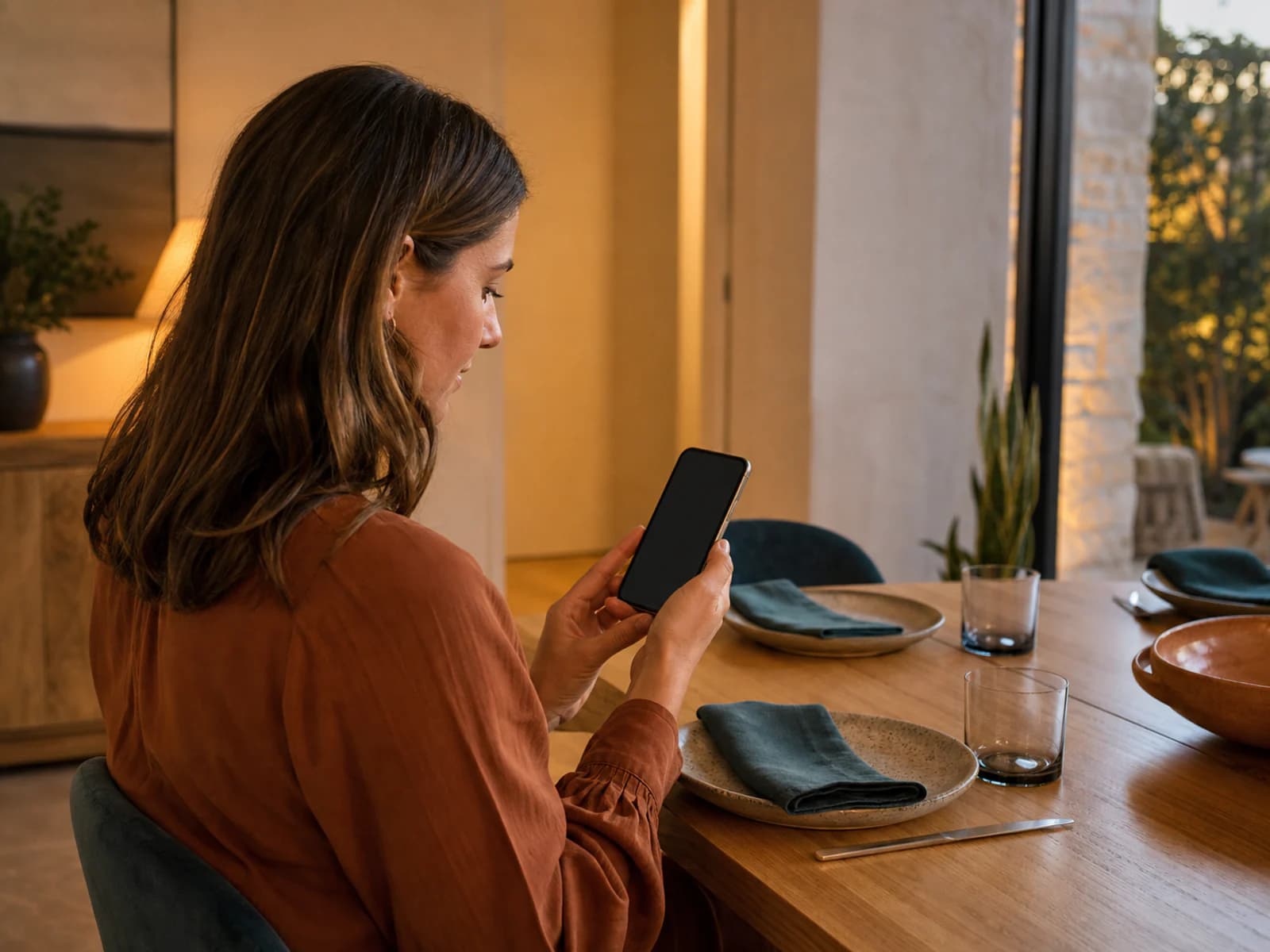
Illustrative buyer browsing a food and drink gift on a phone with a blank screen.

Sell the next visit

A café or bakery can offer a dollar credit without promising a table or choosing a menu. The buyer purchases online on Premium and Professional.

Explore food and drink designs
Restaurant staff member helping a guest with a tablet and phone; the scene illustrates voucher redemption.

Redeem the amount actually used

Staff check the code and remaining balance, then confirm the redemption. VoucherGrid does not manage orders, table bookings or a point-of-sale bill.

See voucher management
Illustrative hospitality reporting scene; not a current product screenshot.

Review the shift and the period

Voucher details and Redemption activity help you review voucher use separately from sales. Accounting reports and sync are currently unavailable; your adviser can use the operational records alongside your till totals.

Check accounting availability

For the counter, the cellar door and the dining room.

  • In-person voucher sales and redemption on every plan
  • Hosted storefront on Premium and Professional
  • Face value credits and non-face value vouchers
  • Partial redemption of dollar credits
  • Digital voucher delivery
  • Role-based staff access within plan limits
  • Up to three designs on Premium and Professional
  • Booking and till records remain in your existing process
  • Voucher activity for your accountant to review

Built around Australian voucher rules.

  • Expiry checks. VoucherGrid helps prevent short expiry dates where Australia's three-year minimum applies. Exceptions and your terms still need review.
  • Voucher classification. Face value and non-face value vouchers can have different GST timing. Record the category and relevant settings with your accountant.
  • Operational records. Voucher details and Redemption activity are available on every plan. Accounting reports and Xero or QuickBooks sync are not available. Use operational records with your accountant for reconciliation.

Command menu

Jump to a page